
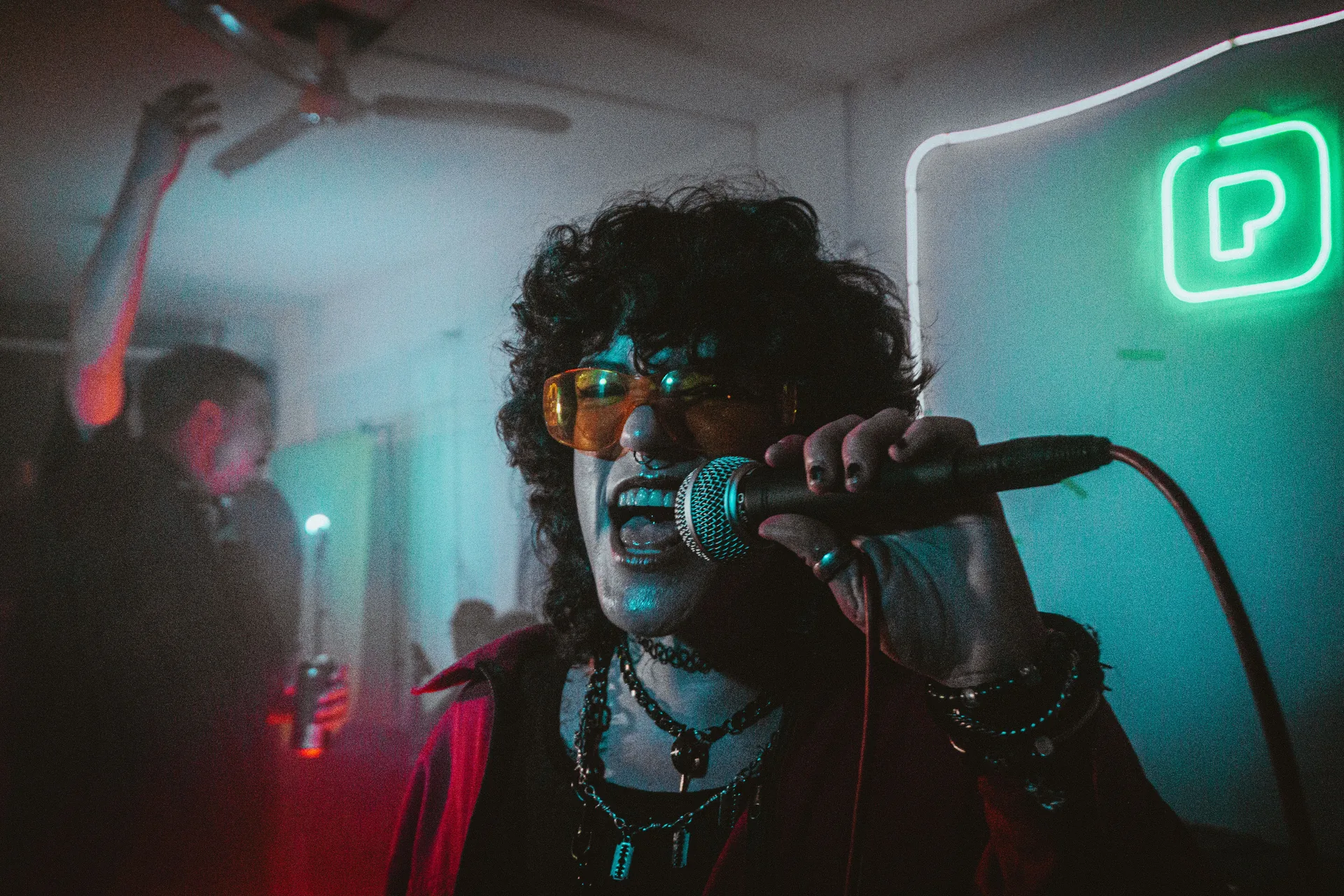
For bars and hotelskaraoke like a stage
Your guests pick their song on the big screen with a gamepad, and every voice on up to six microphones is scored separately. The operator runs the night from one window, and it keeps working for seven days even if the internet drops.
Windows and Mac11 languagesLicensed per device
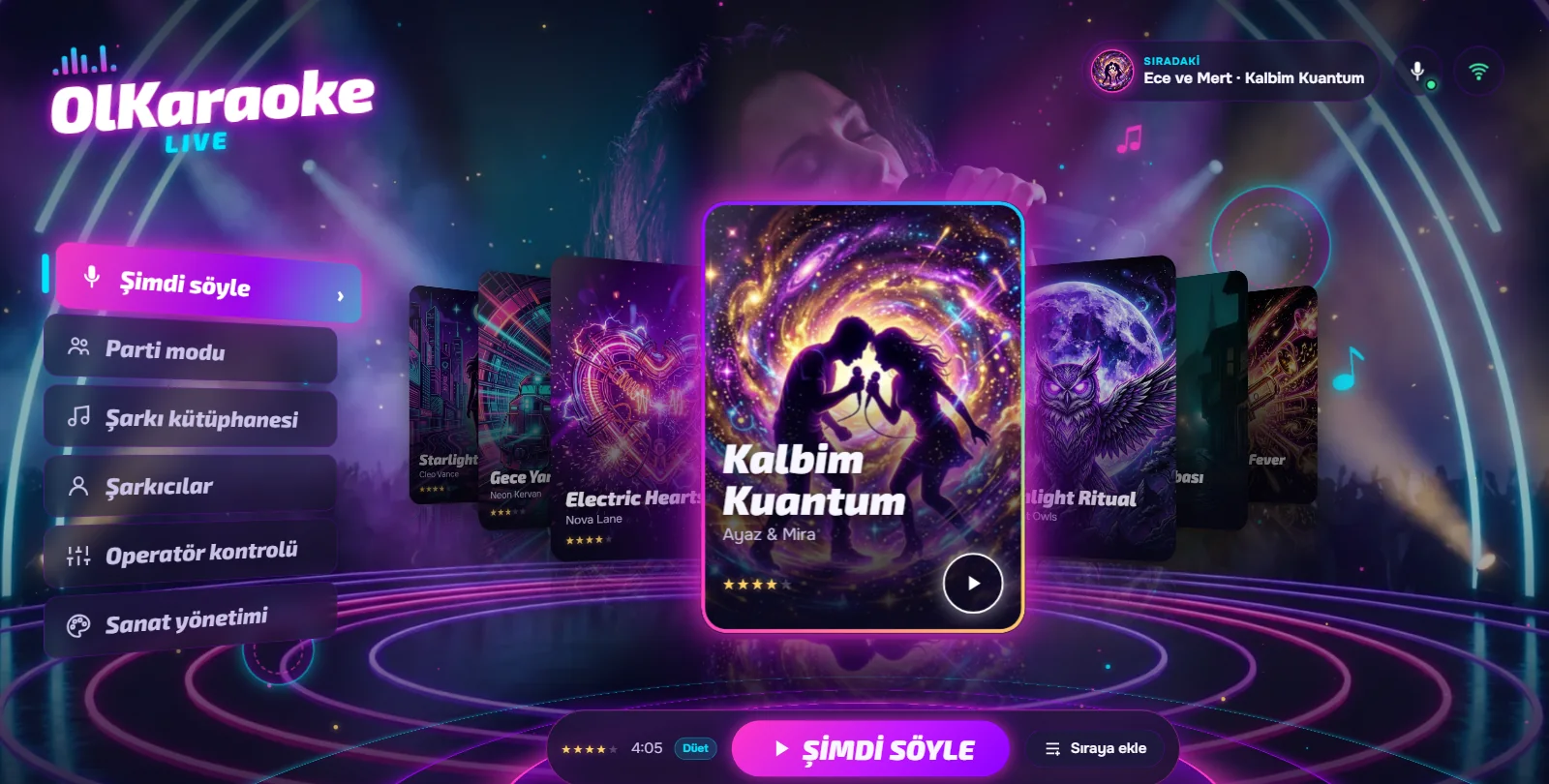
On the bar TVUp next: Ece and Mert
Guests pick their song from the stage
Browse the cards with the arrows, the keyboard or a swipe. In the bar, guests do this with a gamepad and the world of the song they pick opens up behind it.
Select
The song card grows and shows its key and difficulty.
Add to queue
The nickname is typed on the on-screen keyboard; for a duet, two names in turn.
Switch collection
Party Starters, Love & Duets, Turkish Classics and more.
Your guests are the stars of the night
Groups of friends sing duets, tables challenge each other and the leaderboard keeps changing until the last song. The stage tells everyone whose turn it is; the operator just watches.
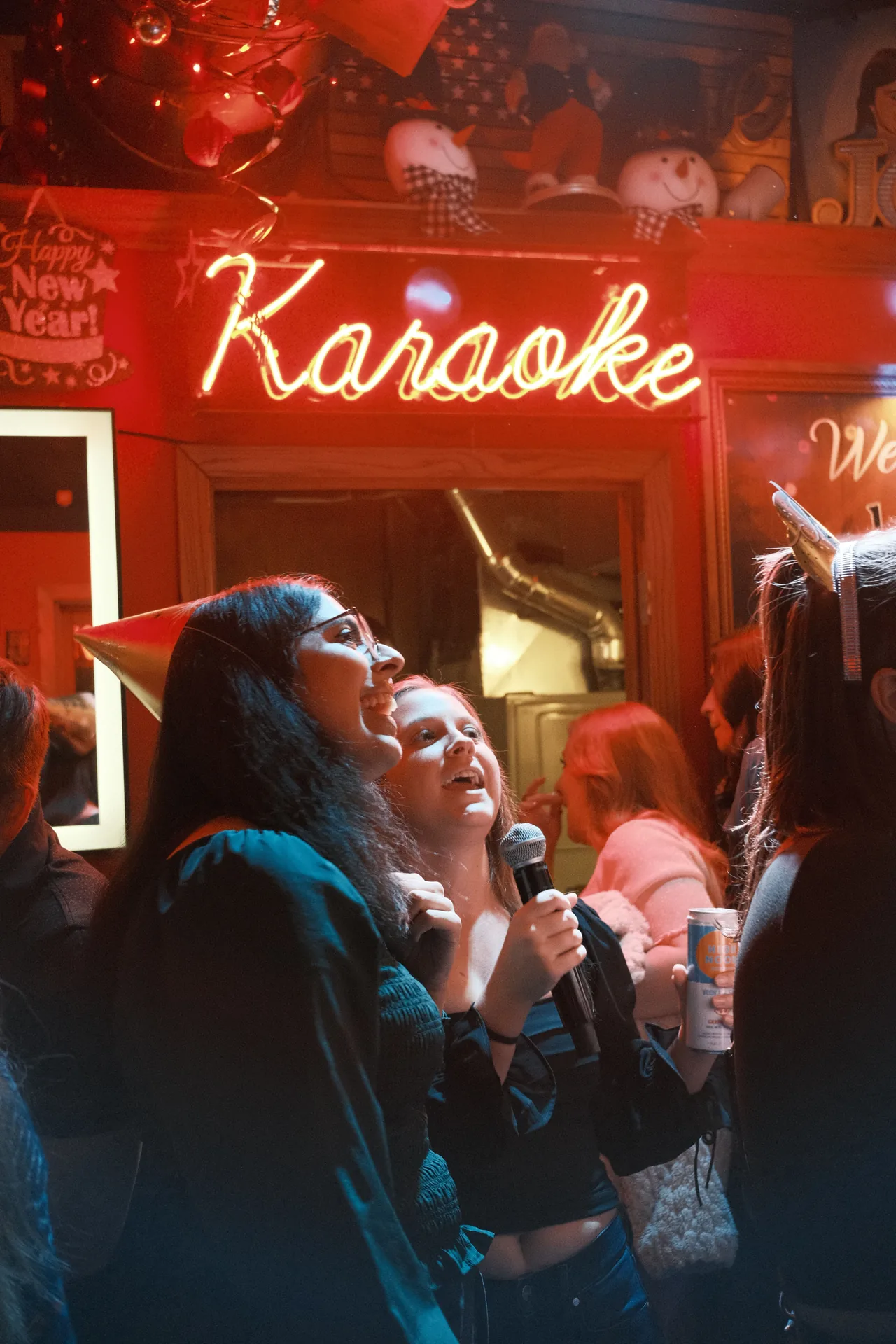

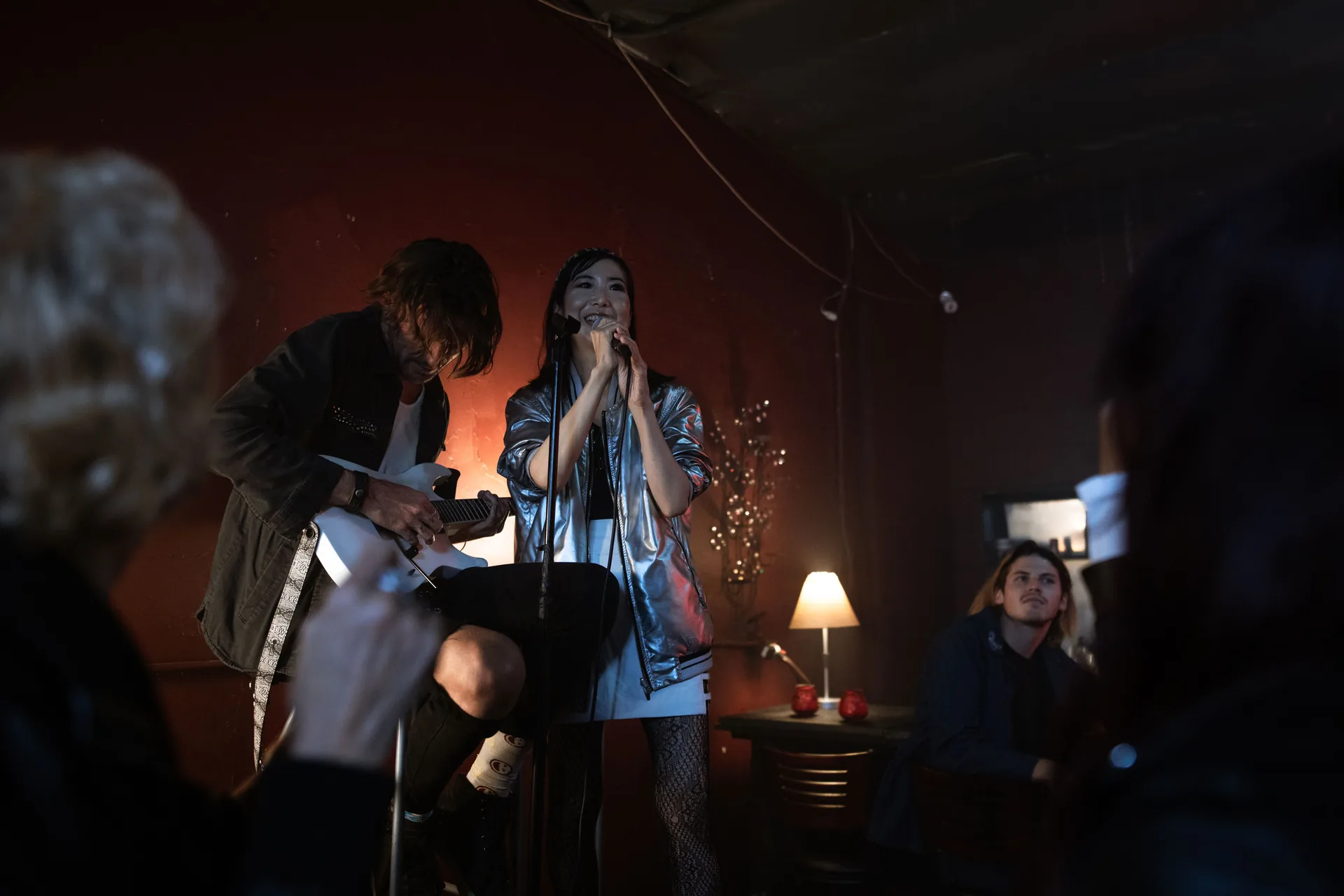
When the song starts the video fills the screen and the lyrics light up in the singer's colour
Each microphone keeps its own score; in a duet every voice has its own note lane. The next singer sees their name on stage, and the leaderboard comes up as the night ends.
If the key is changed, the notes and the scoring shift too and the new key shows on screen: Am +2, Bm.
A calm control room for the operator
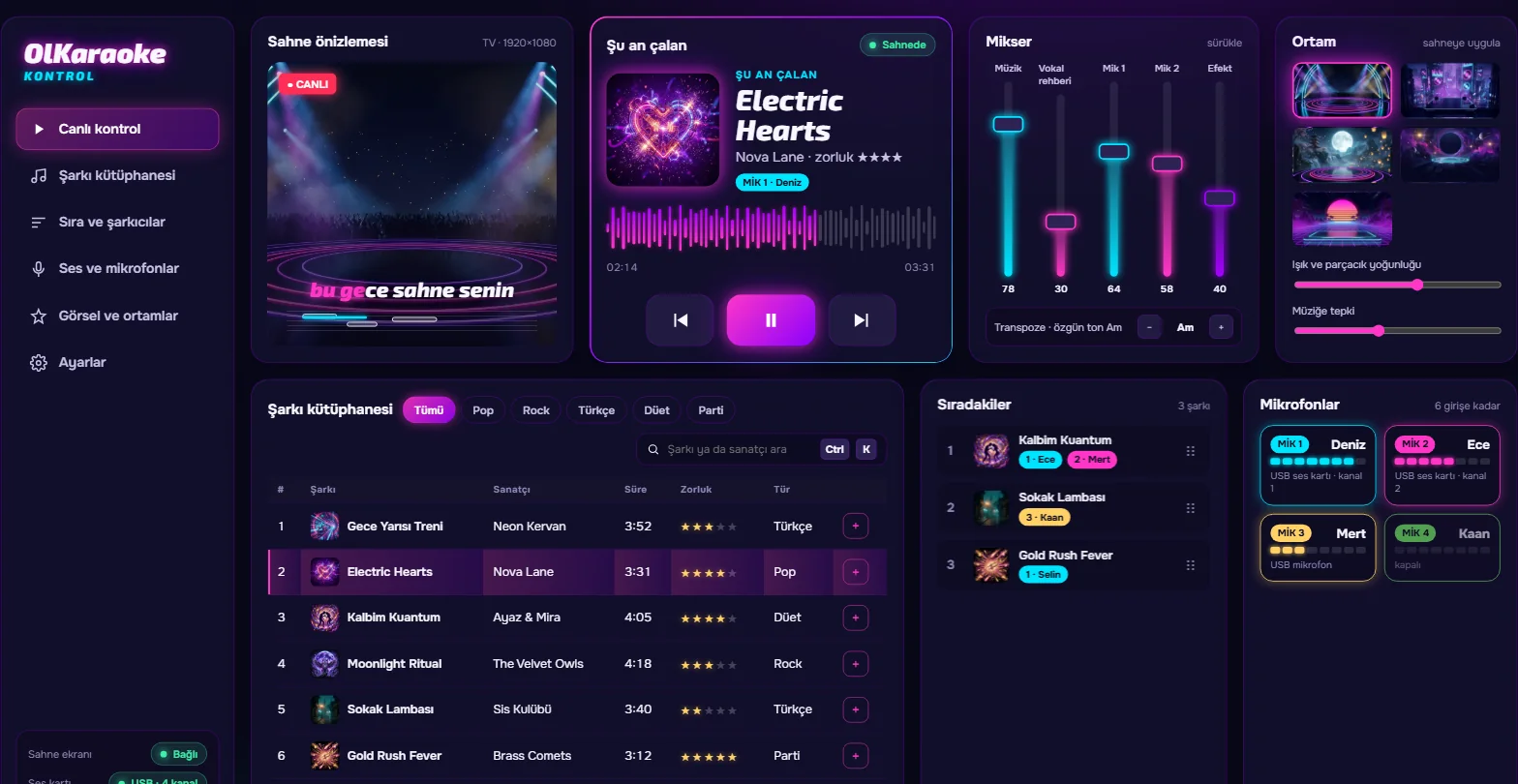
While the stage shines, the operator's screen stays simple. Everything about the night in one window.
- Queue and singersDrag to reorder and assign duets to microphones.
- Mixer and keyMusic, vocal guide and each microphone separately; key up or down by six semitones.
- Stage previewSee what is on the TV from your desk.
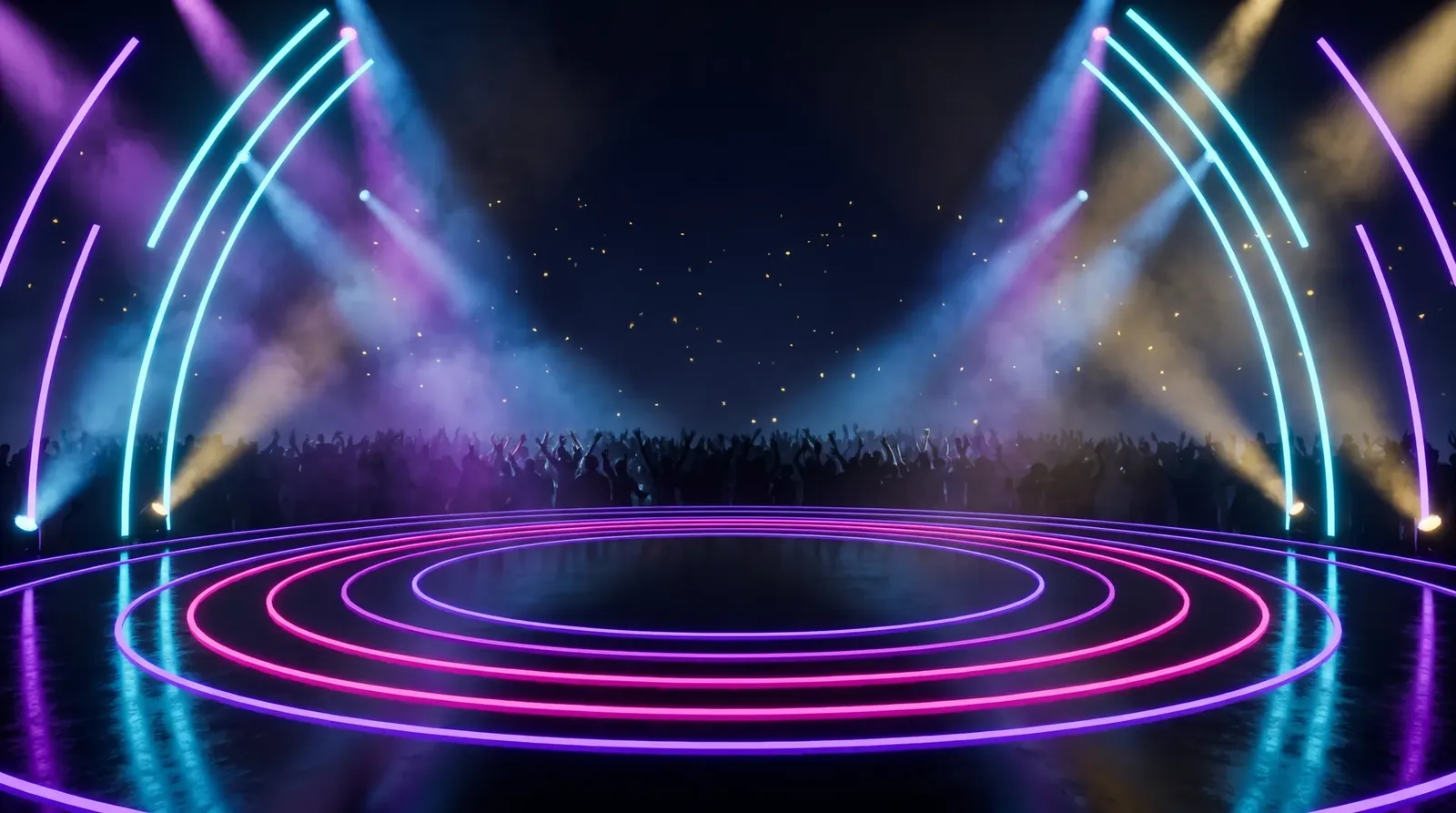
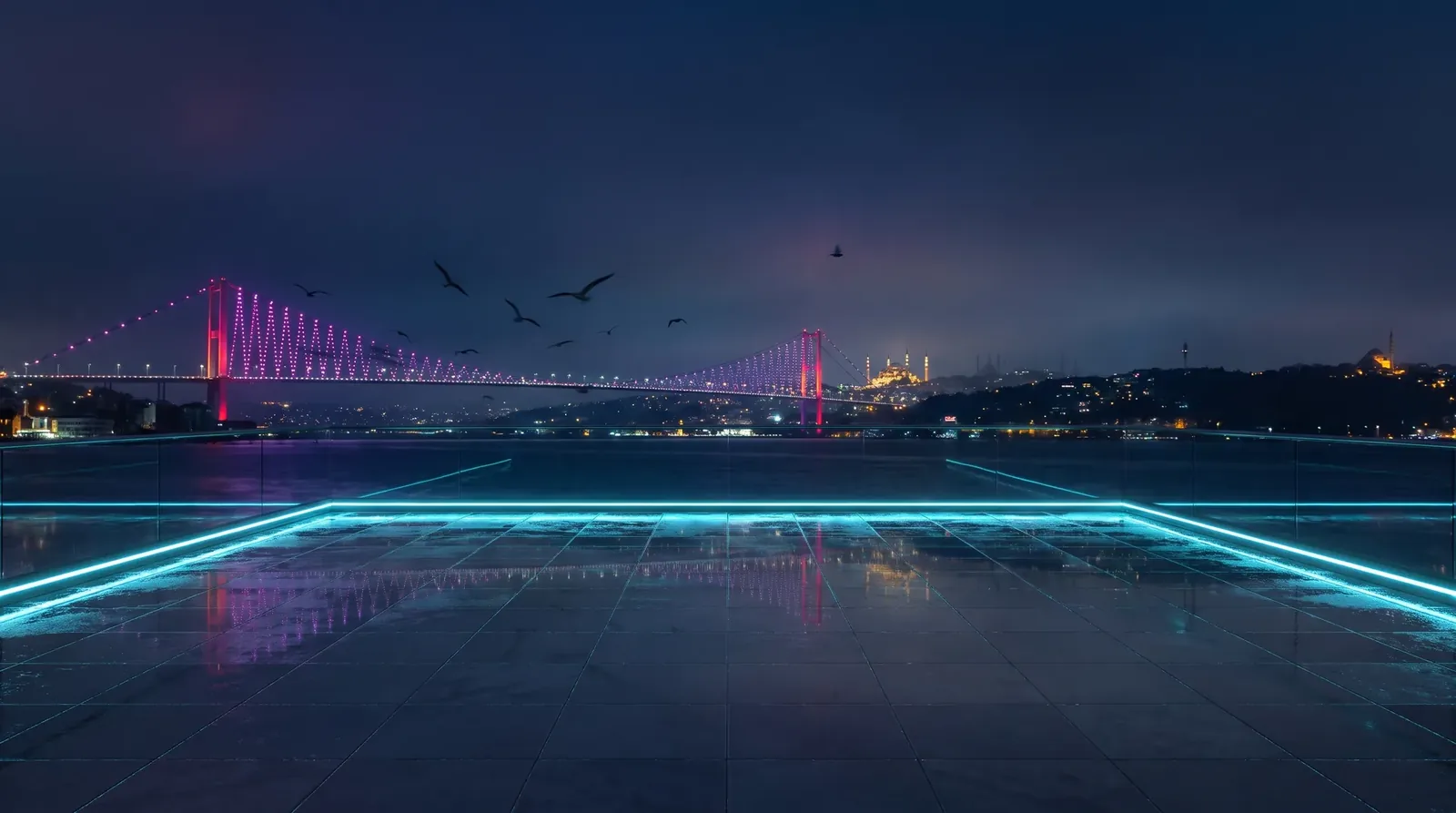
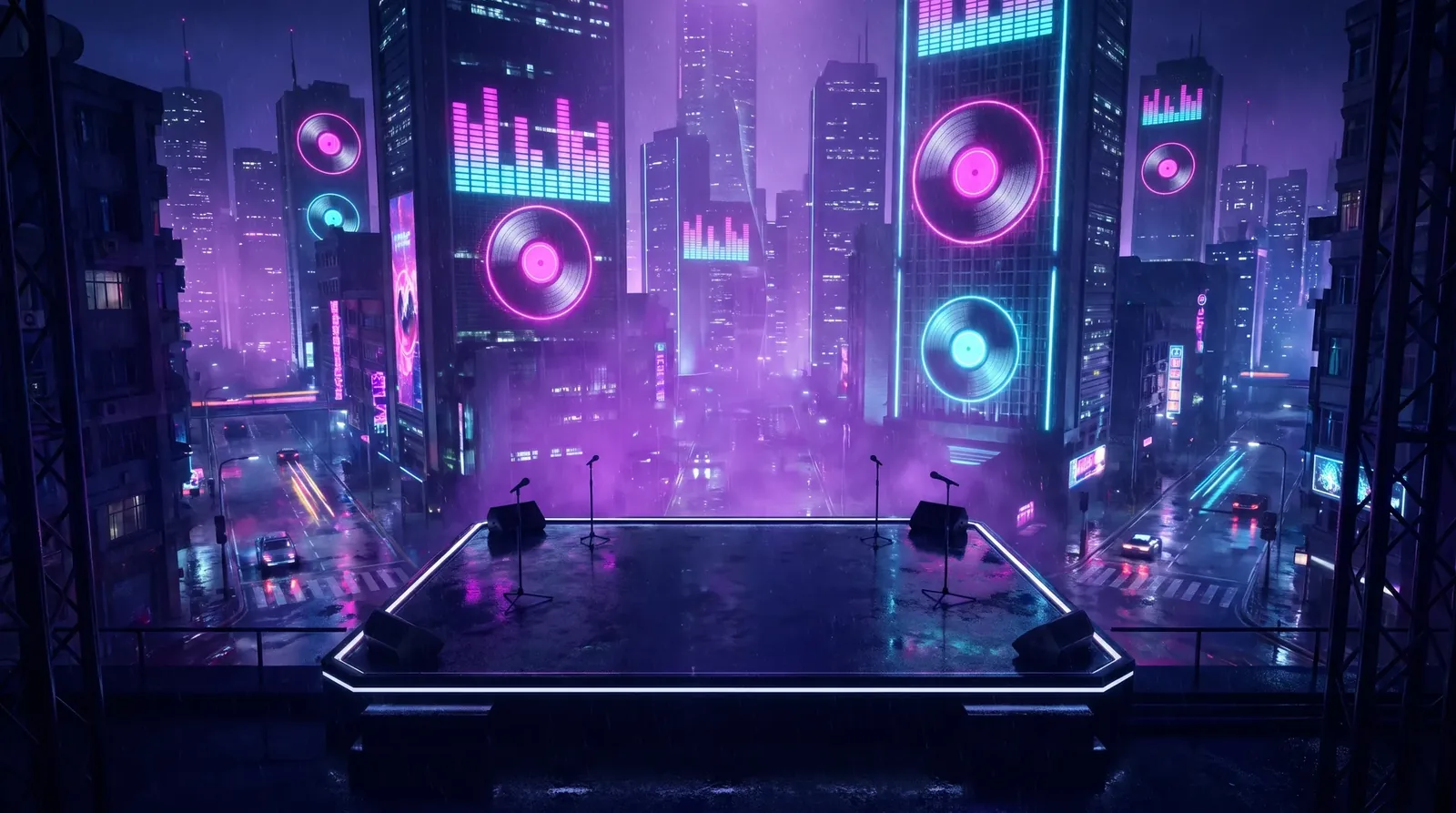
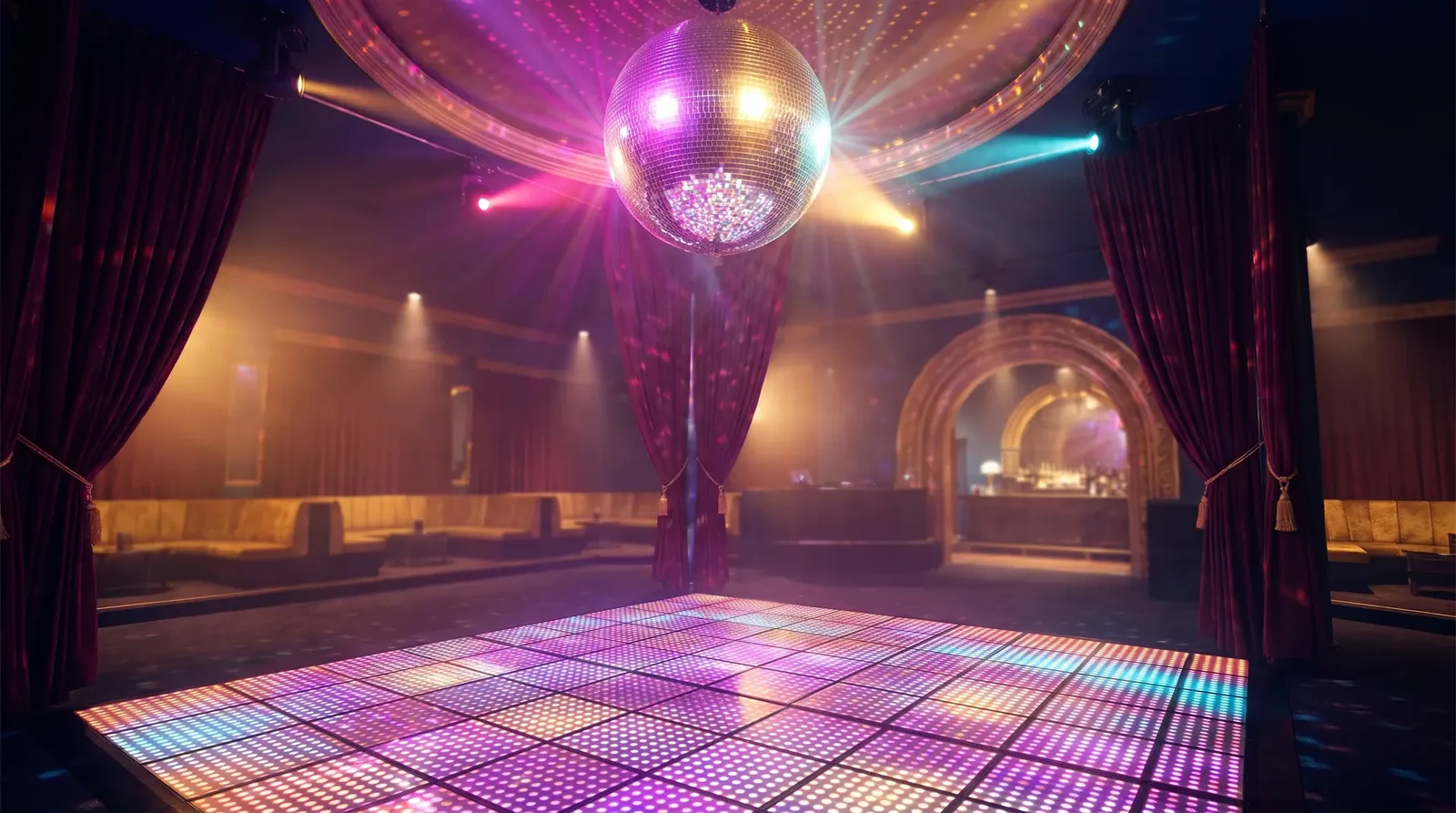
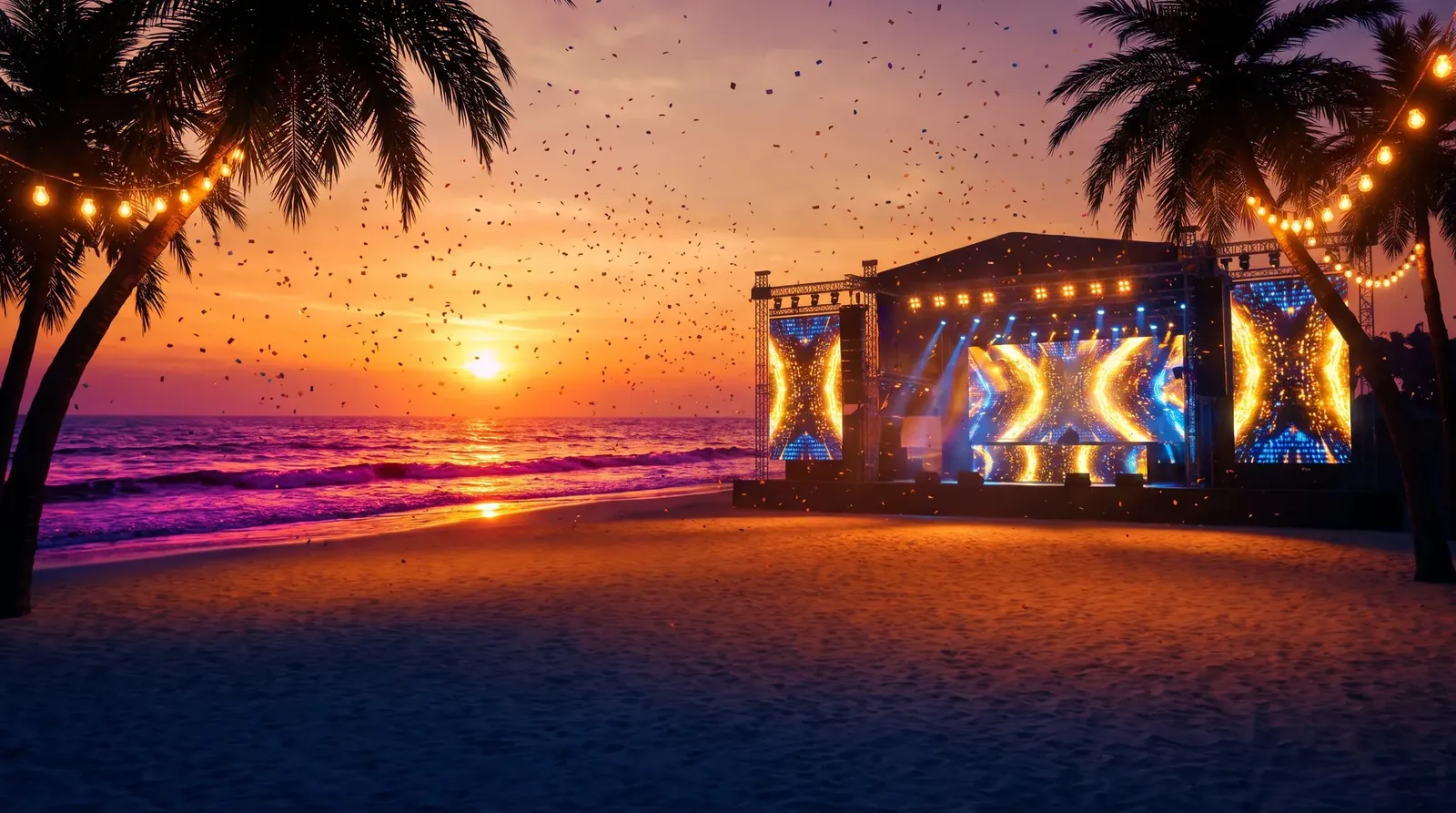
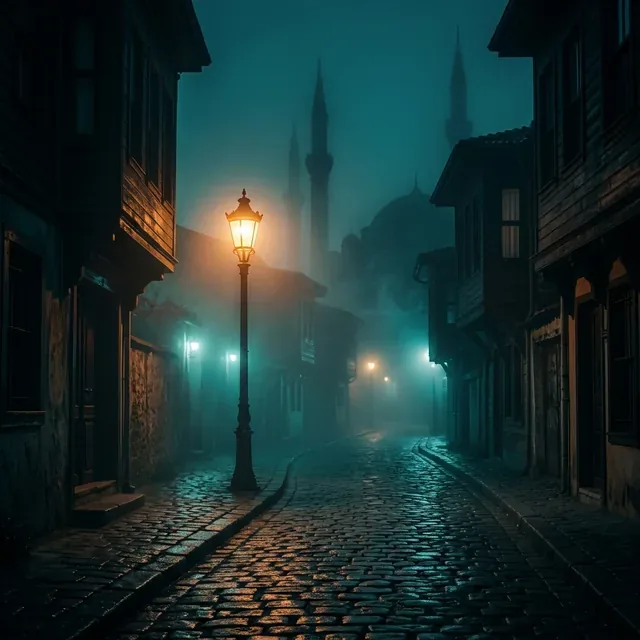
Ten cinematic stages that rotate by themselves in the menus
An arena, the Bosphorus or outer space on the waiting and selection screens; when the song starts the stage switches to the video. The operator can pin one stage if they like.





What your venue needs
A computer, a TV for the stage and microphones. The rest comes with the licence.
- Computer
- Windows or MacThe stage on a second screen or on a single screen.
- Microphones
- Up to 6Duets and groups; every voice in its own colour with its own score.
- Offline
- 7 daysSongs added to the event are downloaded to the computer.
- Devices
- As many as licensedSeveral computers can share the same event.
- Brand
- Your logo and colourOn the stage intro and the waiting screen.
- Languages
- 11 languagesEnglish, Turkish, German, Russian and more.
Your phone can be the remote
Scan the QR code in the app and log in with the code sent to your email. From your table you add to the queue, skip a song, turn the volume down and put the leaderboard on stage. Nothing to install; it opens in the phone's browser.



Questions
If your question is not here, add it to your quote request.
- How much does it cost?
- It depends on the number of devices and the licence period; we prepare a quote for your needs.
- What happens if the internet goes down?
- Songs added to the event and downloaded to the computer can still be sung. Connecting once within seven days is enough.
- Do we need a gamepad?
- No. It can be run from the operator screen, from a phone or with a gamepad at the stage, whichever suits your venue.
- What information do you collect from singers?
- Only the nickname shown on stage. Asking for anything more is your choice and your responsibility.
- Who do we contact if something goes wrong?
- You open a support request in the business portal; our phone number for emergencies is in the portal.

Let's build your venue's stage
Tell us how many devices you need and about your nights, and we will prepare the right licence for you.
Get a quote